Quick Tip: Check out the video to watch me build a sub plan tool from scratch. The same approach works no matter what you teach. Then grab the cheat sheet and the class reference template (both linked under this post) and build your own.
Download everything you need to build this tool yourself —
- Build Cheat Sheet — step-by-step walkthrough of the whole setup
- Classroom Reference Sheet (template) — the blank form you fill in for your own classroom
- Classroom Reference Sheet (sample) — a filled-out example to model yours on
- Emergency Lesson Recipes — the backup lessons the tool draws from
It’s 6:00 a.m. Your throat feels like sandpaper, the thermometer just settled an argument you were hoping to win, and there is no version of today where you make it to school. Which means that before you can crawl back under the covers, you owe a substitute a full day of plans a stranger can walk in and teach — cold. For every class. Maybe for two days.
And it isn’t just the lessons. It’s the fire-drill route. The bell-ringer routine. The student who leaves at 10:15 on Tuesdays. The seating that only works if two particular kids are nowhere near each other. All the little things that live in your head and nowhere else, now due at dawn, with a fever.
Who has the time — or the working brain cells — at 6:00 a.m.?
Subscribe Now to Stay in the Loop
Stay updated on new videos, fresh resources, and student contest announcements.
Well, YOU do. Not by writing faster on your worst morning, but by building the tool once, on a good day, and then deploying it in your classroom as needed. After that, a surprise absence is one short conversation and one clean file, not a panic.
In the last tutorial, I built a current events researcher you can talk into existence in plain English — no code, no computer science degree. This one uses the same trick for the nightmare every teacher knows: the plans you have to leave behind when you can’t be there. And here’s the good news up front: you build it by describing what you want to an artificial intelligence (AI) assistant, the same way you’d brief a student teacher. (I use Claude in the video. The same idea works with the assistant you prefer.)
The Reference Sheet Is the Boss
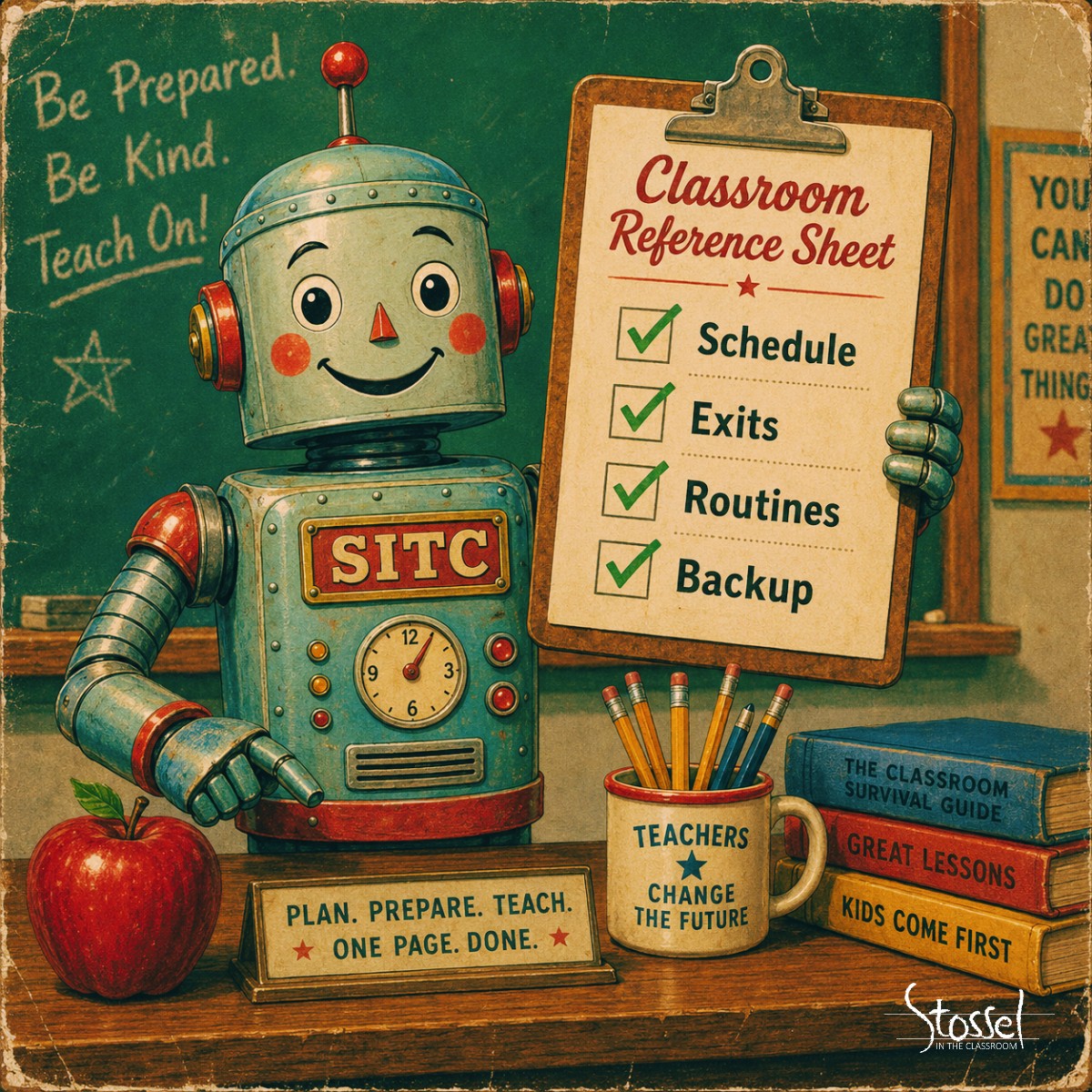
Here’s the piece that makes the whole thing work: a short reference sheet you fill out once for your classroom, and update only when something changes.
It holds the stuff a sub can’t guess and you shouldn’t have to retype at dawn — your schedule, where each class sits in the curriculum right now, your one no-fail emergency backup, the nearest exit, where the emergency folder lives, your routines, and the behavior norms you want a visitor to hold the line on. Most of it you fill in once in September and never touch again.
And here is the quietly remarkable part. You didn’t buy that tool. You didn’t download it from a store or hire anyone to make it. You built it, in a conversation, by describing what you wanted. We used to hoard prompts in a document and paste them in one at a time, every single day. Now you teach the assistant your routine once, and it remembers.
The Reference Sheet Runs the Show
Two rules matter more than the rest. Describe needs by role, never by name — “a few students in first period need directions read aloud,” not a roster of who. No student names, no private details, ever. And no passwords, anywhere. The sheet is meant to travel to a stranger’s hands; build it that way from the start.
(Homeschooling? The same page earns its keep the day you’re the one who’s sick and a grandparent, a co-op friend, or your spouse has to step in for the afternoon.)
What Lands on the Sub’s Desk
When you tell the tool you’ll be out, it reads the reference sheet, asks a few quick questions about the day — how many days, which periods the sub covers, anything already prepped, anything to
collect or grade, and anything unusual such as an assembly or an early dismissal — and then hands you one printable packet a substitute can teach from cold. Inside:
✔ An at-a-glance cover with the day’s schedule, the room(s), the exits, and the essentials up top
✔ A real plan for every period — continue the chapter, continue a project, run the study hall, or a self-contained emergency lesson built for the spot your class is actually in
✔ Whatever the sub should read aloud, and student worksheets your kids can genuinely do without you in the room
✔ A report-back page, so you learn how it went, who helped, and what got covered
One file. No frantic phone calls to the front office from your couch.
A Backup for the Day You Can’t Even Think
Some mornings you don’t have a chapter to continue — you just need something solid, fast. The tool carries six emergency lesson recipes for exactly that, and two of them are worth calling out.
The first builds a lesson around a Stossel in the Classroom video. In the video, my fictional teacher’s economics class had just finished elasticity and was starting price controls, so I dropped in Outlawing Price Gouging and its ready-made teacher’s guide. The tool pulled the guide’s own discussion questions straight into the sub packet. If a video already fits where your class is, the plan around it writes itself.
The second recipe leans on the current events researcher from the last post — feed it a topic and it returns real, leveled articles with tiered questions, differentiation and all. Build that tool once and it quietly powers this one too. (The others cover a poem, a primary source such as the Preamble, a build-a-story option, and simple “keep going” modes. My favorite is the build-a-story: you gather a few silly ingredients from your class before you leave — a walrus, a skateboard, an astronaut — and tell them they’ll find out what becomes of it while you’re gone. Few things motivate good behavior for a sub as well as a good cliffhanger. Incentives, right on cue.)
You’re Still the Teacher
Now the part I’ll say plainly. The tool writes a draft, not a done deal. Before that packet goes anywhere, you read it the way you’d read a student teacher’s plans because it’s fast, eager, and every so often, confidently wrong.
In the video, it built a clean packet but left me an amber “before you go” box: drop in the exact video link, since only I could confirm it. That’s the tool doing its job — flagging what it couldn’t verify instead of faking it. You open every link. You skim every worksheet. You fix the spacing on the one where the answer lines are too cramped for real handwriting. Five minutes of your judgment turns a good draft into plans you’d trust with your room. The judgment is the part that stays yours.
Try It This Week: One Page, No Tool Required
You don’t have to build anything today to get most of the benefit. Take fifteen minutes and fill in just the top of a reference sheet: your schedule, your routines, and your one no-fail emergency backup — the thing a sub can always fall back on. Read the next section of the textbook and answer the review questions. A current events discussion from the folder in your desk. Whatever a stranger could run without you.
Do that on a day when you feel fine, and the next surprise morning is already survivable. That’s the whole spirit of this — a little work banked on a good day so a bad one can’t flatten you.
The Real Relief
The promise here isn’t a robot who runs your class. It’s a page you filled out once, a tool you built in an afternoon, and a sick morning that costs you one short conversation instead of an hour you don’t have.
The next time the alarm goes off and everything in you says no, you send the file. And you go back to sleep.
Not heroics. Just a page you filled out on a good day.
The skill ships with six recipes. Want a seventh of your own? Build it. Then tell me what you came up with. I’m at Susan@sitc.org, and I’d love to know what you’d make next.
Now…watch the tutorial video below, follow along…and build the sub plan tool for yourself. The next time you wake up sick, future you will be very, very grateful.
Download everything you need to build this tool yourself —
- Build Cheat Sheet — step-by-step walkthrough of the whole setup
- Classroom Reference Sheet (template) — the blank form you fill in for your own classroom
- Classroom Reference Sheet (sample) — a filled-out example to model yours on
- Emergency Lesson Recipes — the backup lessons the tool draws from