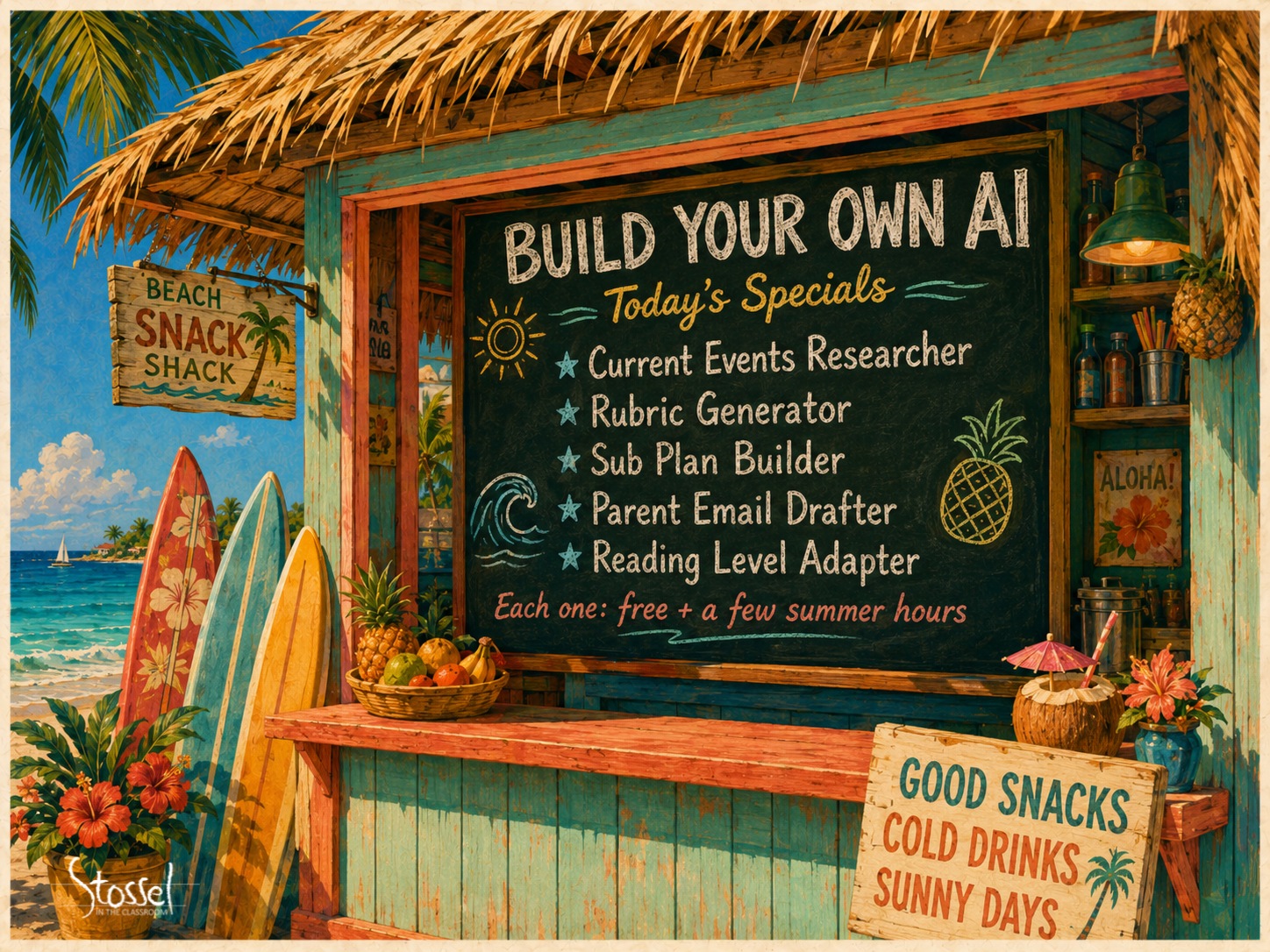
Quick Tip: Summer PD that pays you back every week of the school year! Keep reading!

Barbara Oakley best-selling author

Imagine you spend three or four hours this summer building one tool. Just one. And then, every single week of the school year, that tool gives you back two, maybe four, maybe five hours.

Sound too good to be true? A year ago, it would have been.

Welcome to AI in 2026. Things have changed.

Here’s what shifted. A year ago, using AI mostly meant typing a question into a chat box and hoping the answer was good enough. You did the work of figuring out what to ask. You did the work of refining the prompt. You did the work of fact-checking. And then you did the work of taking whatever AI handed you and adapting it to YOUR classroom, YOUR students, YOUR grade level, YOUR standards.

Subscribe Now to Stay in the Loop

Stay updated on new videos, fresh resources, and student contest announcements.


That’s not what AI is anymore.

Today, AI is something you build with. You set it up once — feed it your subject, your grade level, your standards, your style, whatever you want it to have — and then it handles the recurring work for you. You stop being its assistant. It becomes yours.

That’s the shift that makes this summer different.

You Can Build Your Own AI Tool Now

You can build this (really!) without writing a single line of code.

The major AI platforms (Claude calls them Skills, ChatGPT calls them Custom GPTs, Gemini calls them Gems) all let you create your own custom AI tools. You tell the AI what job you want it to do, what rules to follow, what your preferences are. From then on, you just tell it the topic, and it does the work.

A few real possibilities:

  • A current events research tool that pulls four classroom-ready articles on whatever you’re covering this week, adapts them to three reading levels, and writes vocabulary and critical thinking questions for each
  • A rubric generator pre-loaded with your subject and your school’s grading philosophy
  • A parent email drafter trained on your tone and your communication norms
  • A sub plan builder that knows your students, your routines, and your class structure
  • A reading-level adapter that takes any text and rewrites it for the student who needs it

Each one of these is a few hours to build. Each one saves you that time back many times over.

AI Doesn’t Just Write Anymore

A year ago, AI was mostly words. Today? It’s everything.

You can generate classroom-ready infographics in seconds. (No more scrolling Google Images for a usable visual.) You can turn any reading passage into a clean audio version for your struggling readers, your ESL students, or your students who do better with a podcast than a paragraph. You can create short explainer videos for the flipped portion of your lesson without ever turning on a camera. You can even generate songs as mnemonic devices for any concept your students keep forgetting. (Lessons in Lyrics!)

Tools such as ChatGPT’s image generator, ElevenLabs for voice, Suno for music, and Grok for image-to-video have made all of this not just possible, but FAST. Faster than your coffee gets cold.

    This is the part where most teachers go, “Wait, AI can do THAT now?”

    Yes. AI can do that now.

    An AI That Actually Remembers

    Last year, every conversation with AI started from zero. “I’m a 7th grade ELA teacher. My rubric is… My students struggle with… My district uses Lucy Calkins for writing instruction… I have three students with IEPs that require…”

    Every. Single. Time. If you were working smarter, not harder, you collected a library of prompts that you copied and pasted when needed.

    That’s over. Most AI platforms now offer some version of what’s called a Project — a workspace where you upload your curriculum, your rubric, your standards, your district style guide, your IEP accommodations notes, ONCE. From then on, every conversation in that workspace already knows.

    You just ask for what you need.

    Your weekly lesson plan, instead of a fifteen-minute setup. A revised parent letter, instead of re-explaining the situation. A differentiated worksheet, instead of fighting with the AI to please remember that Marcus has dyslexia and Sofia is reading three grade levels ahead.

    Your AI stops being a stranger every morning. It becomes a coworker who showed up to the meeting prepared.

    Summer is short. The to-do list is long. The temptation is to spend July doing absolutely nothing AI-related, then start the new year using AI exactly the way you did last year.

    Don’t. Please don’t.

    The teachers who get the most out of AI next year won’t be the ones who use it the most. They’ll be the ones who taught it to work for them. A few hours this summer. A few hours back every single week.

    Coming up later this month, I’m going to walk you through actually building one of these tools, step by step. We’ll make a Current Events researcher together — the kind that finds you four news articles on whatever you’re teaching, adapts them to three reading levels, generates vocabulary, and writes critical thinking questions tiered by ability. The whole thing.

    See you on June 23. Bring coffee. (Or tea. Or your preferred summer beverage.)

    Until then, get a jump start. Go watch some other tutorials on the new AI. You need an assistant that works for you!